

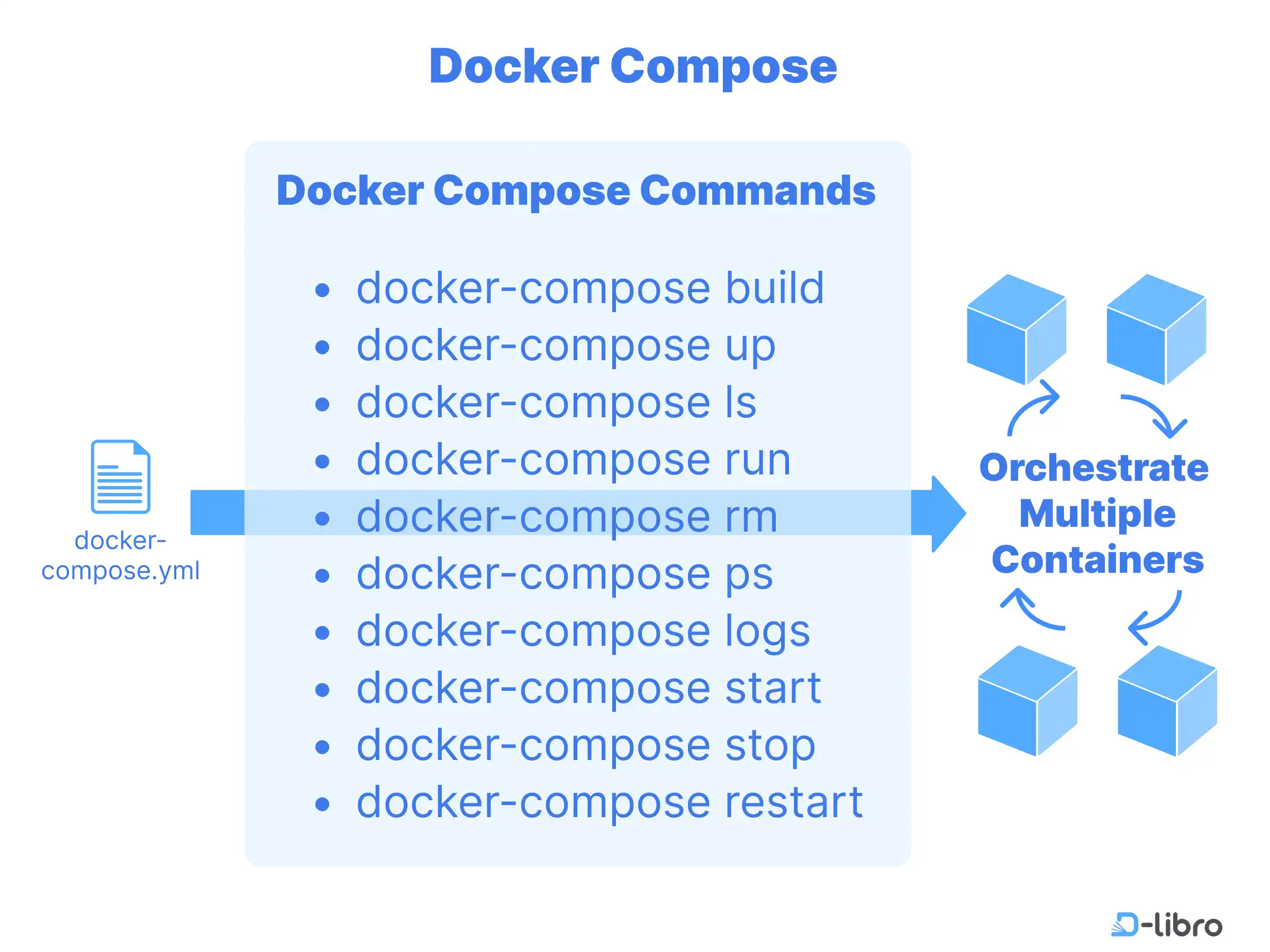
In the previous guide, we explored writing a Docker Compose file to define services, networks, and volumes for multi-container applications. Building on that foundation, this guide focuses on managing Docker Compose with CLI commands, allowing you to efficiently deploy, monitor, and scale applications. Whether you’re starting services, debugging configurations, or scaling containers, mastering these commands is key to streamlined container orchestration.
In this section, we’ll cover the following topics:
- Managing Docker Compose with CLI
- Summary of Docker Compose Commands
Managing Docker Compose with CLI
Docker Compose provides a powerful command-line interface (CLI) to manage multi-container applications efficiently. Below is a comprehensive guide to the most commonly used docker-compose commands, categorized by their functionality.
Building and Running Services
1. docker-compose build
Builds or rebuilds the services defined in the docker-compose.yml file.
Command Syntax:
docker-compose build [options]
Common Options:
--no-cache: Forces a fresh build without using cached layers.--pull: Pulls the latest version of the base image.
Example:
docker-compose build --no-cache
Explanation:
Builds all services from the docker-compose.yml file, forcing a fresh rebuild without using cached layers.
2. docker-compose up
Starts containers for the services defined in the docker-compose.yml file, creating them if necessary.
Command Syntax:
docker-compose up [options]
Common Options:
-d: Runs containers in detached mode (background).--build: Forces a build before starting the containers.
Example:
docker-compose up -d
Explanation:
Starts all services in the background and keeps them running.
Service and Container Management
3. docker-compose ps
Displays the status of the running containers in the project.
Command Syntax:
docker-compose ps
Common Options:
-a: Shows all containers, including stopped ones.
Example:
Insufficient Points
You need more points to continue reading this article.
Unlimited Member Access
Unlock all premium content
Enjoy an ad-free experience
Unlock This Article
Points required for this article: 30
Your points:
Comments
0Please log in to post a comment
No comments yet. Be the first to share your thoughts!